
On this page
In order to add a new page in the editor, follow these steps:
- Navigate to Produce, which will take you to the Produce front page, also called the launcher
- Click on a template or edit an existing document, and the editor will open
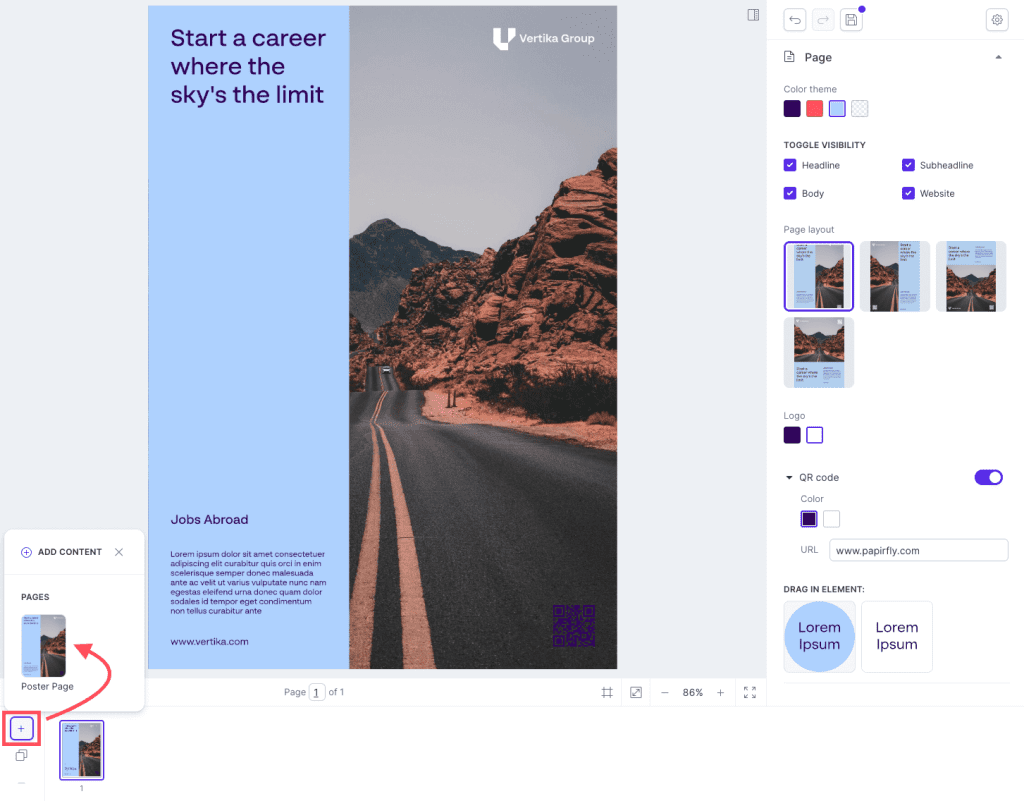
- On the bottom left corner you will see a add / remove buttonWhen you press the Add button the
- choices of different pages will be available.
- Click on the page you want to add.
- The page will now be added in the editor
Comments
0 comments
Please sign in to leave a comment.