
On this page
In order to change to grid/list view, follow these steps:
- Navigate to the Produce launcher
- From here, click on either Templates or Documents in the menu at the top of the page and you will be redirected to a new page
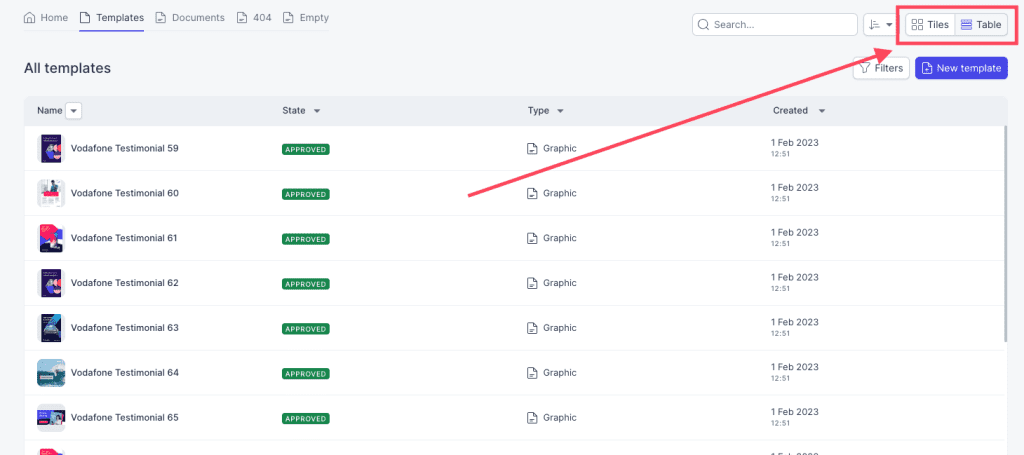
- In this page, click on Tiles or Table in the menu in the top right corner of the page
- Tiles: gives you a better visual view of all the templates/documents
- List: gives you a more detailed view of all the templates/documents
Comments
0 comments
Please sign in to leave a comment.