
On this page
If your data updates frequently, you can set up your dashboard to refresh automatically by clicking on the clock icon.
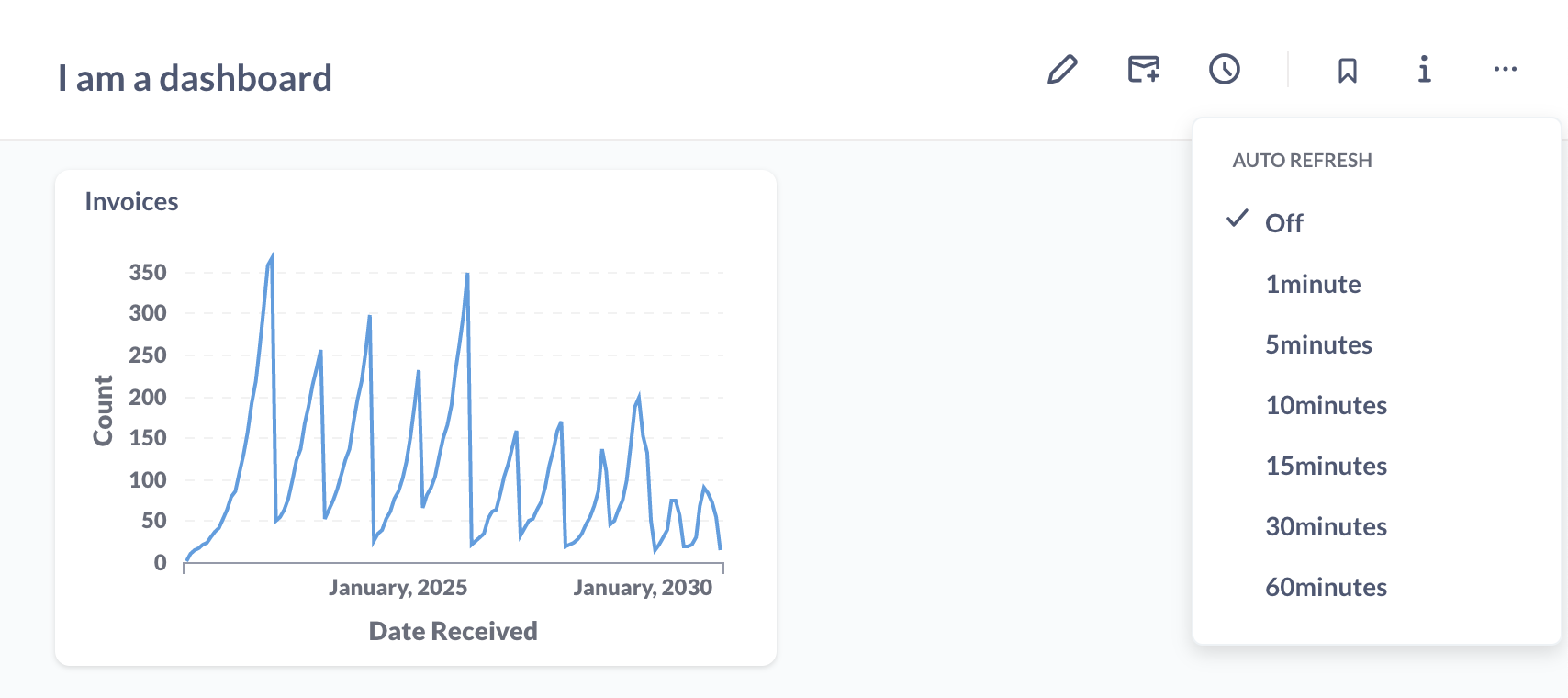
You can set your dashboard to update in 1, 5, 10, 15, 30, and 60 minute intervals, depending on how fresh you need the data to be.
Enabling auto refresh will re-run all the queries on the dashboard at the interval you choose, so keep the size of the dashboard and the complexity of the questions in mind when setting up auto refresh.
Combining fullscreen mode and auto refresh is a great way to keep your team in sync with your data throughout the day.
Comments
0 comments
Please sign in to leave a comment.