
On this page
Follow the steps below to add new filters:
- Click the pencil icon to enter dashboard editing mode.
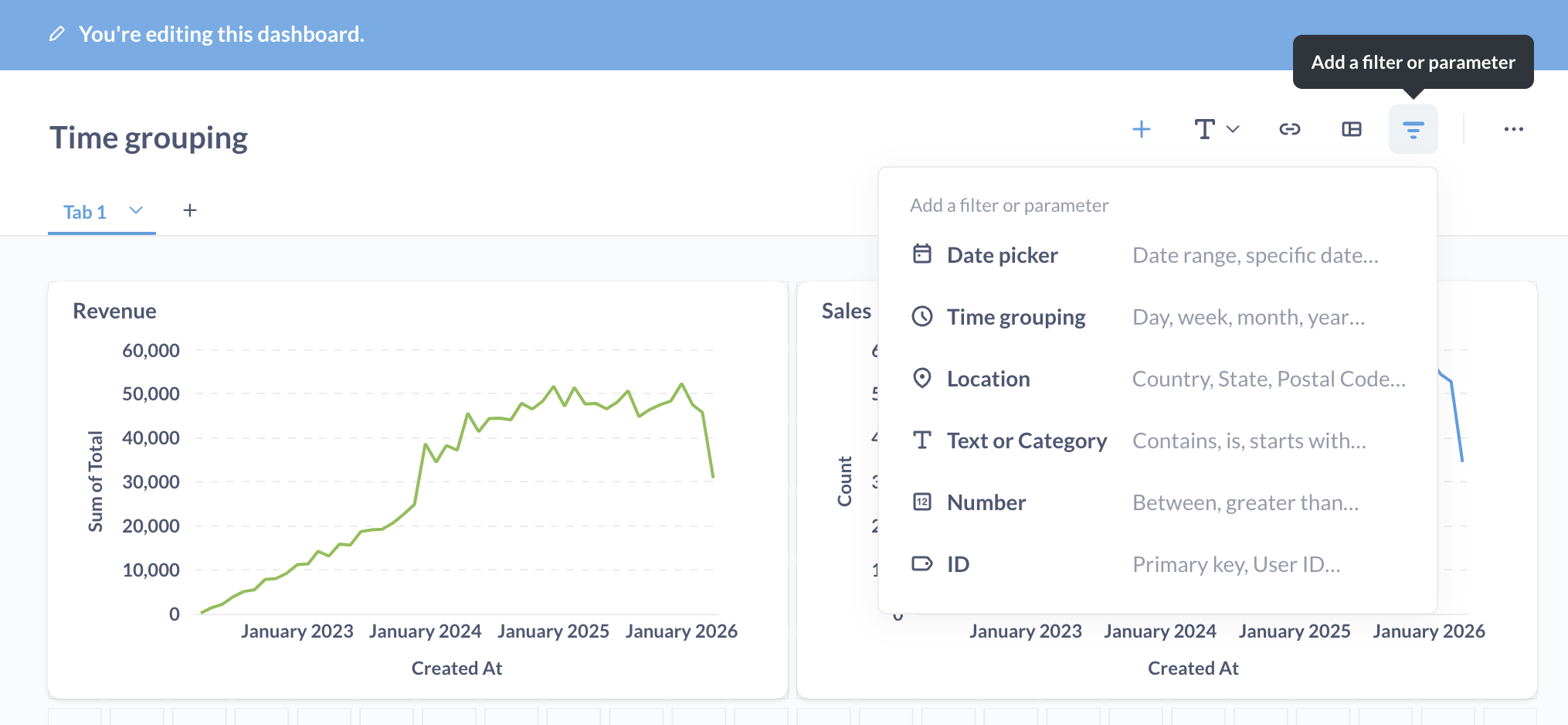
- Click the filter icon that appears in the top-right to add a filter.
- Select a filter type.
- Connect your filter to one or more dashboard cards on any or all tabs.
- Configure your filter.
- Save your changes.
Prove Enterprise will display the filter only if the filter is connected to a card on the current dashboard tab.
Comments
0 comments
Please sign in to leave a comment.