
On this page
Dashboard filters apply across all dashboard tabs, though for each filter you add, you’ll need to tell Prove Enterprise which column the filter should update for each card.
Click on a card’s dropdown menu to select the field that you want the widget to filter on.
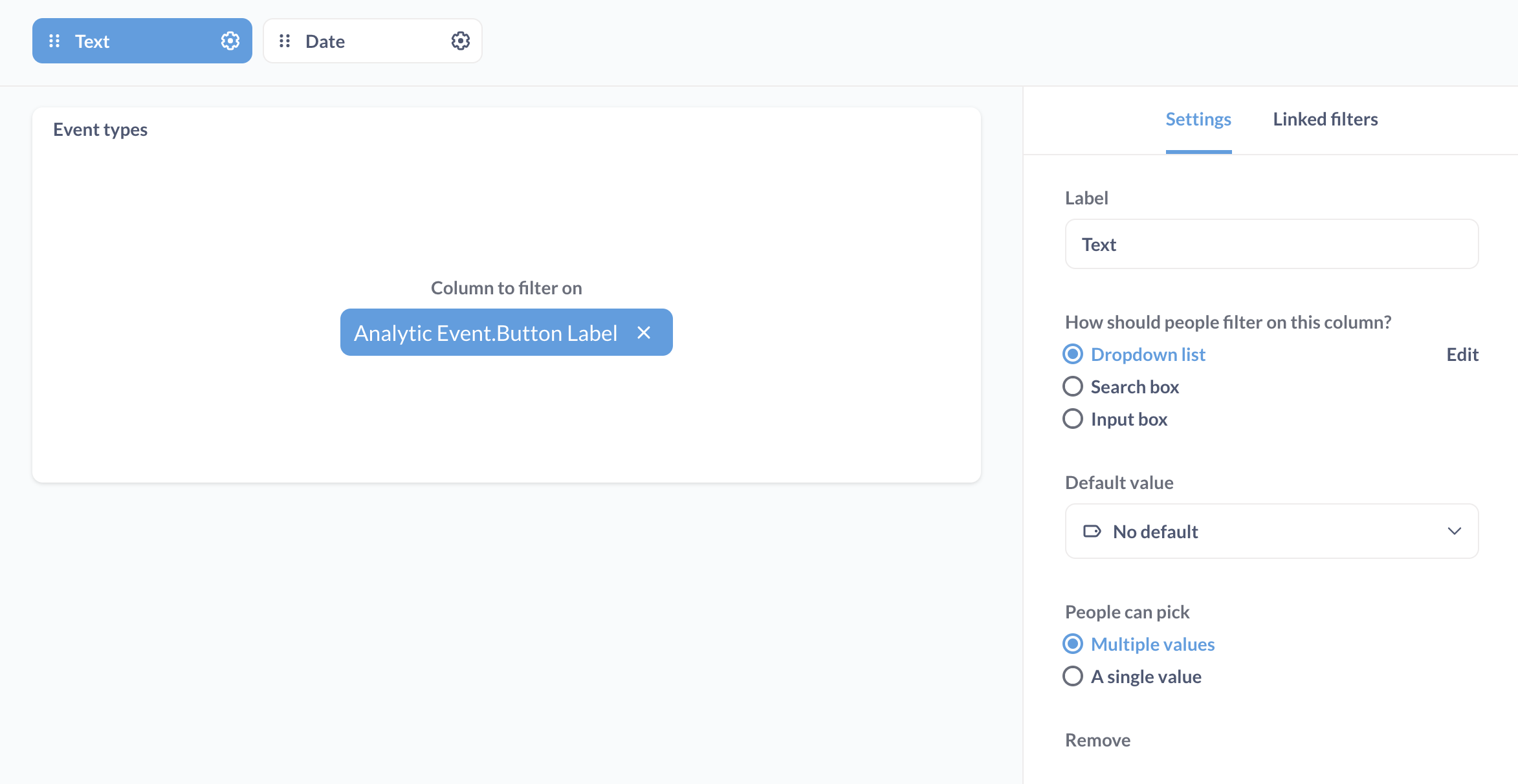
Here we’ve wired up a Text filter to the “Event types” card, telling Prove Enterprise that the column to filter on should be the Analytics.Event.Button.Label field:
Comments
0 comments
Please sign in to leave a comment.