
In our first release of 2024 discover new features across all five products, critical improvements and bug fixes to ensure we deliver an exceptional user experience.
Specifically focusing on optimising workflows and empowering user to create an array of on-brand designs.
For the creatives there are now options to add subtitles to videos, create email and digital banner templates and more.
For marketeers, new integrations with key marketing tools are now available for an enhanced user experience.
For mangers, reporting on Papirfly’s capabilities has gotten a makeover, with six new reports available on the dashboard
We’re focused on building Papirfly into the integrated platform that serves all the various stakeholders across the organisation who are responsible for managing looking and maintaining the brand.
- Template collection widget: Point admins can display and organize Produce templates in the Brandhub using the new widget, allowing end users to preview and download templates without switching applications.
- Adobe Fonts Available in the UI Builder: The UI Builder now offers the option to link Adobe fonts, allowing users to customize Point and maintain a consistent brand look across the platform.
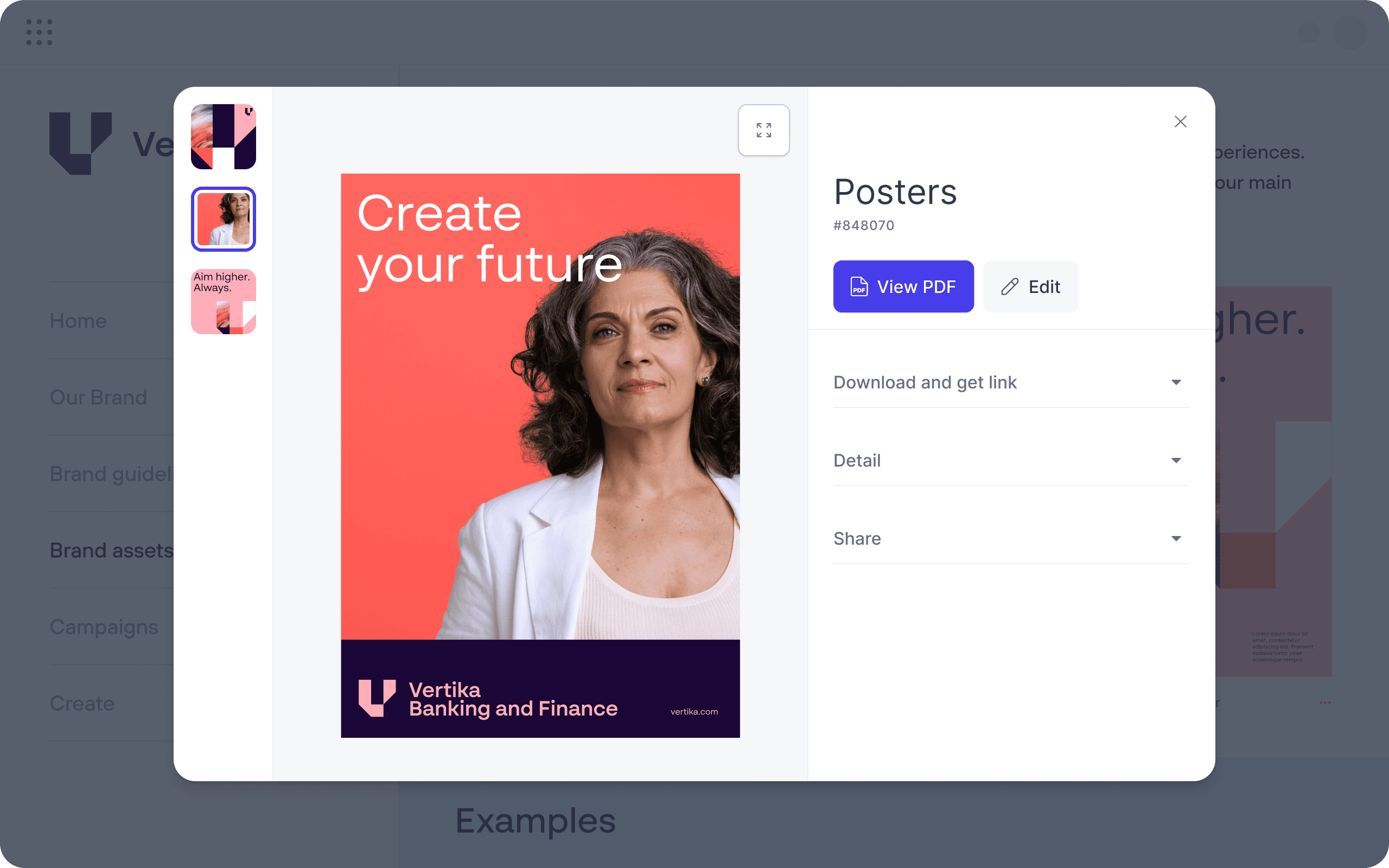
- View PDF Assets in Point Application: Users can now view PDF assets directly within Point without downloading, enabling faster searches and a smoother experience.
- Updated UI for “Edit User” in User Profile: The “Edit User” page layout has been updated. The page hosts all the same features presented in a more intuitive way for improved user experience.
- Subtitles for videos: Subtitles can be added to videos in Place either from a pre-prepared subtitle file or using the inbuilt AI to generate subtitles automatically. When creating new video assets in Produce from videos in Place, the applicable subtitles will always be available.
- AI subtitle translations: Subtitles on videos in Place can be automatically translated using AI and also manually edited to include appropriate language nuances when necessary. Translations are always available when using the translated video to create new assets in Produce.
- Email templates: Produce now supports customisable email templates with flexible and fixed elements, allowing customers to collaborate with project managers to create on-brand emails for various campaigns. This empowers employees to quickly generate unique, branded emails.
- Digital ad banner templates: Produce now offers customisable digital ad banner templates with flexible and fixed elements, enabling employees to adjust size, style, and content while maintaining consistent branding for their campaigns.
- New video output options optimised for Adstream and YouTube: Videos can now be optimised for five new sizes for Adstream and YouTube (HDTV, SDTV, 4K, 1080p, and 720p), with automatic optimisation ensuring a faster workflow for end users.
- Upload assets to documents directly: Users can now upload image and video assets directly into documents created with Produce templates, benefiting those without Place or who prefer not to use Papirfly’s DAM. These assets are only available within the specific documents.
- Archive templates and associated documents: Produce and template admins can now archive templates and associated documents, preventing users from accessing, editing, or downloading outdated versions.
- Duplicate templates: Produce and template admins can now duplicate templates to create variations, streamlining design workflows.
Campaigns
- Colour indicators showing campaign status: The campaign status depicted by a colour indicator is shown in all instances when viewing the campaign.
Approvals
- Option to delete assets: Irrelevant assets in “Pending Review” or “Needs Change” status can be deleted from the list view in approval projects by the project owner.
Upon deletion, a notification email is sent to reviewers assigned to the ongoing project. The assets are automatically removed from Plan approvals and set as “Deleted” in their Place archive ensuring asset consistency across products.
- Edit local projects to new local unit: Local projects can be edited to new local units, only possible before any reviews or reviewers have been added. This ensures a flexible editing experience with certain controls to maintain project integrity.
- Censored Personally Identifiable Information (PII) dashboard optionality: Customers may select between two versions of the set Prove Premium dashboards, either with or without PII data (“names”, “emails” and “user IDs”). This is a feature only available for the Prove Premium version, available for customers that require censored PII data.
- New “Total count” and “Total unique count” widget: Dashboards have a new widget available on the dashboard showing the total count and the total unique count of their dataset.
- Data showing month on month trends: The core widgets available on the dashboard calculate month on month (30 days) trends instead of weekly trends. This is also represented in a new graph that has been added to the dashboard showing monthly trends.
- Updated filter names and dependencies: Some filters have been renamed for readability and/or been allocated dependencies for usability reasons. These include:
- “User department” changed name to “Unit”
- “User role” changed name to “User group”
- “Portal Product Name” is now dependent on “Portal Name”
- “Page Name” is now dependent on “Portal Name”
- “EventType” is now dependent on the designated dashboard
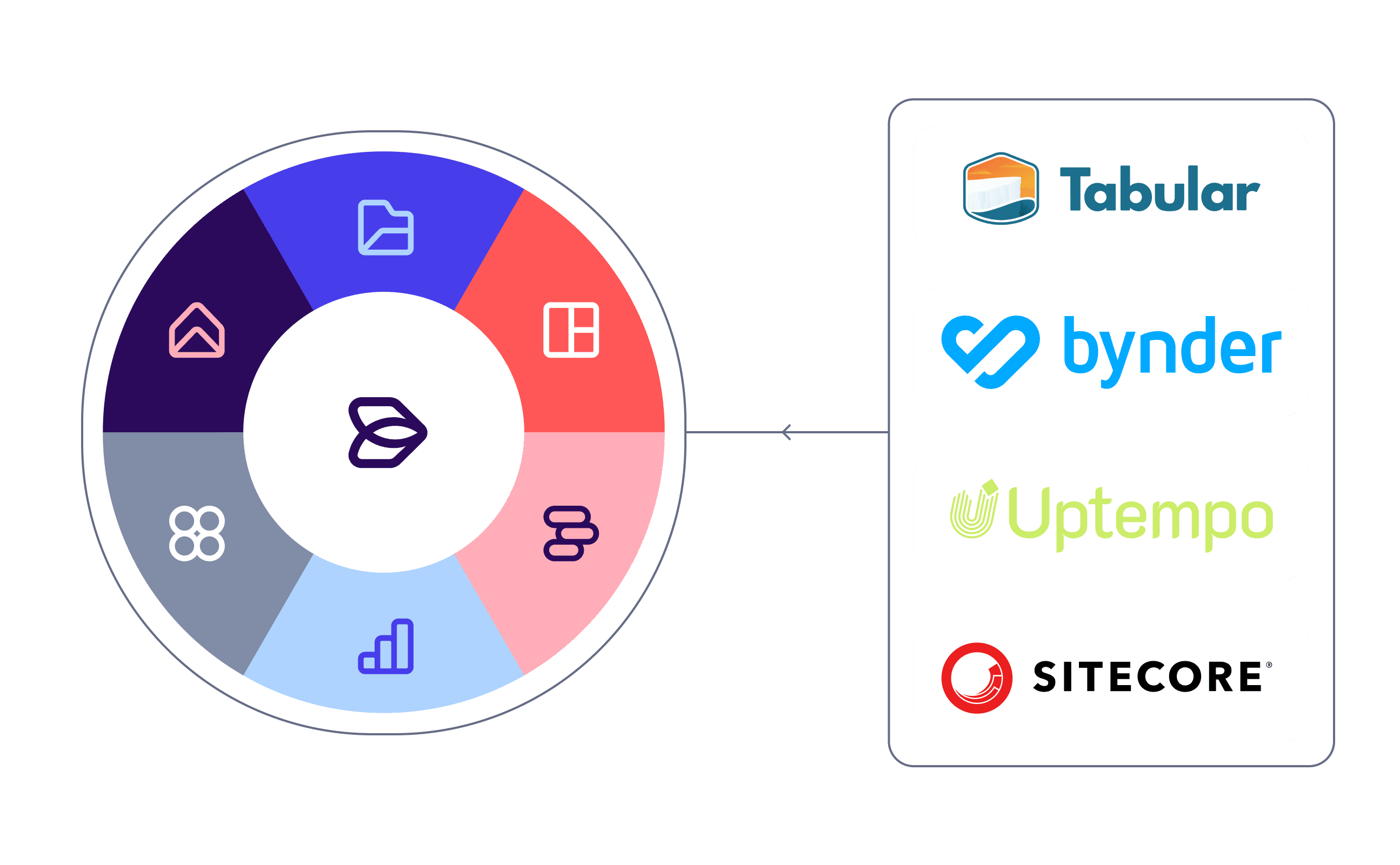
- External DAM integration to Papirfly suite: Using a standardised processor, customers may now integrate their own DAM system with the rest of the Papirfly product suite. This means customers may continue using a preferred DAM and have the data be pulled into the required parts of the Papirfly platform. Depending on the DAM system, a unique API connector may be needed for this functionality.
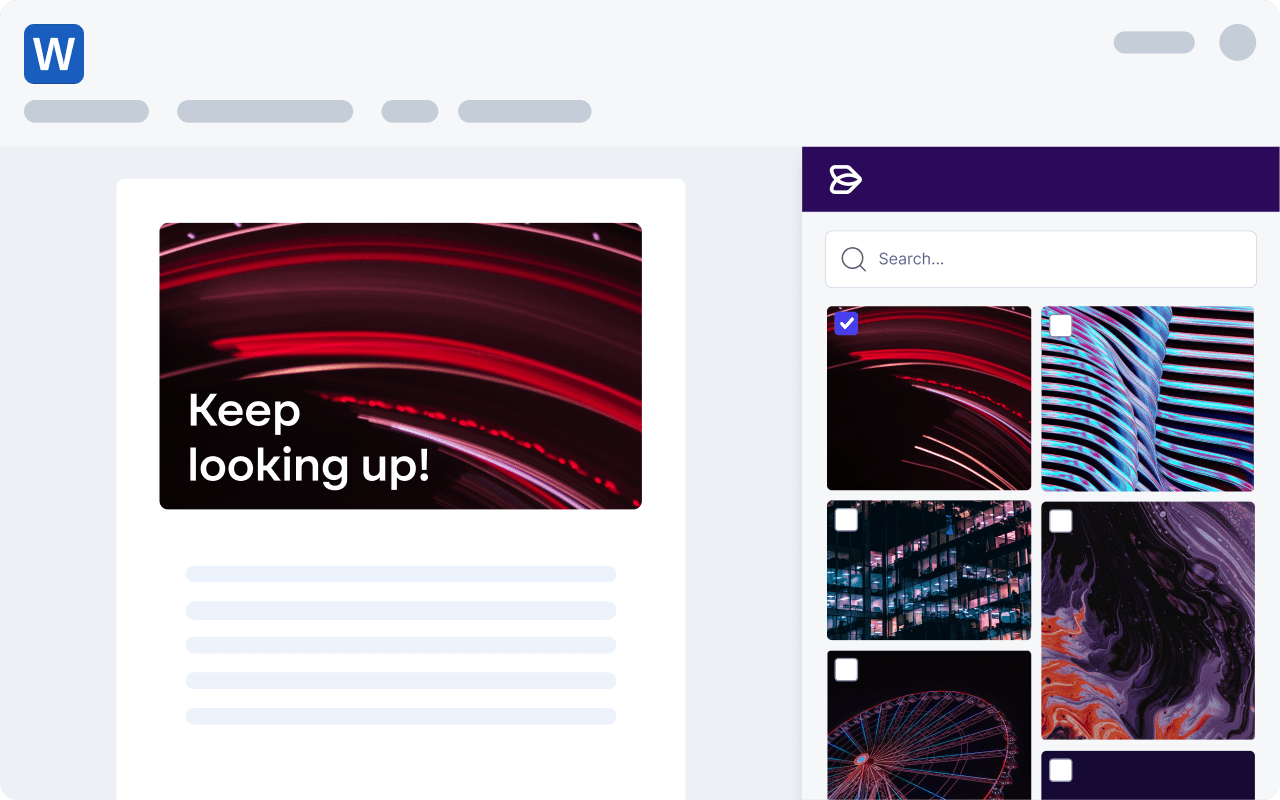
- Microsoft Office integration with Place: Company assets stored in Papirfly Place can be easily accessed in Microsoft Word and Microsoft PowerPoint with the new Papirfly Place – Microsoft Office Integration. Navigating between applications to find the right images is no longer necessary, providing quicker workflows for your users.
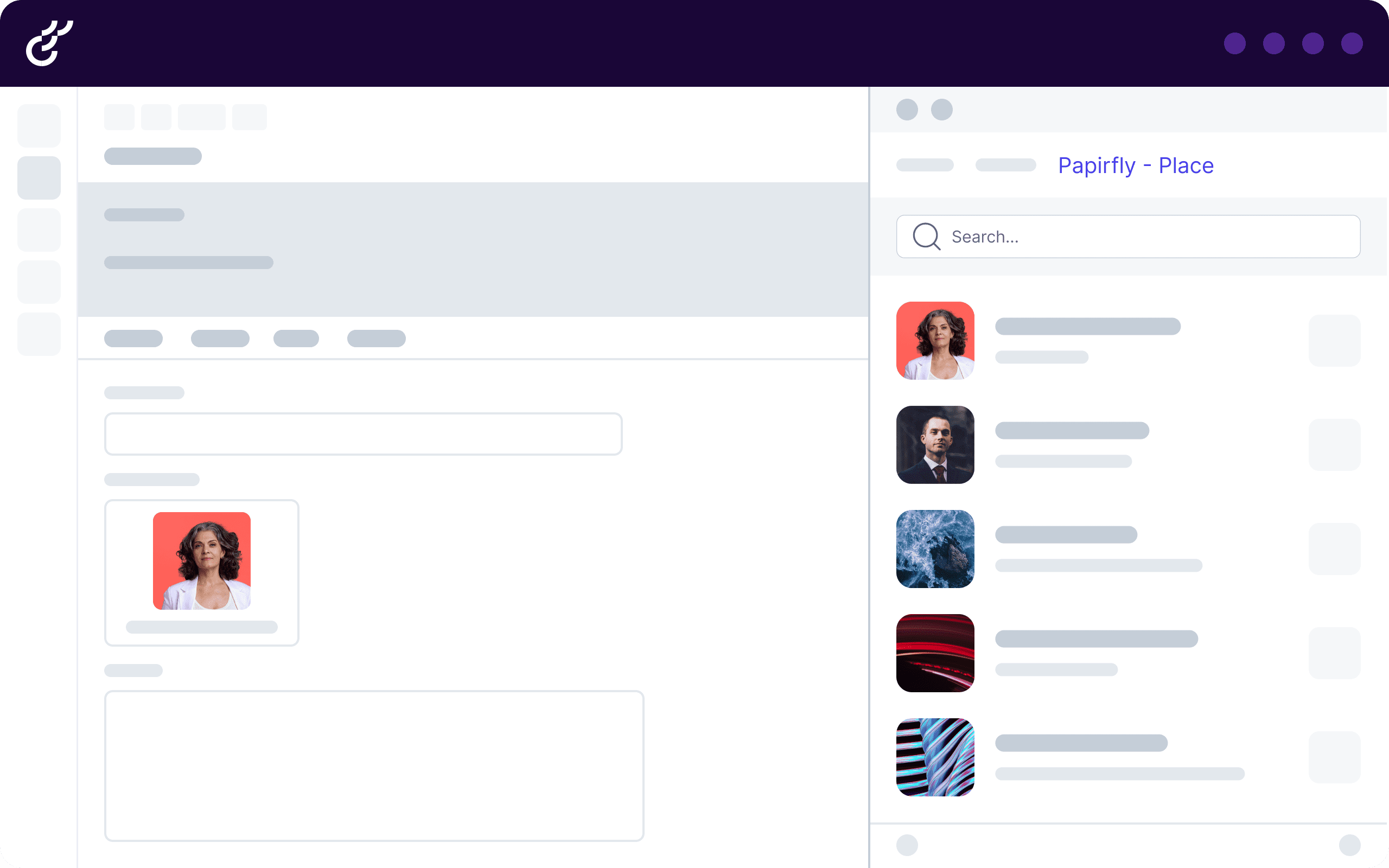
- Optimizely integration with Place: Company assets stored in Place can be easily accessed in Optimizely through this integration. Browse the library or search to find assets, and with the simple drag and drop functionality, use assets when creating your new webpage.
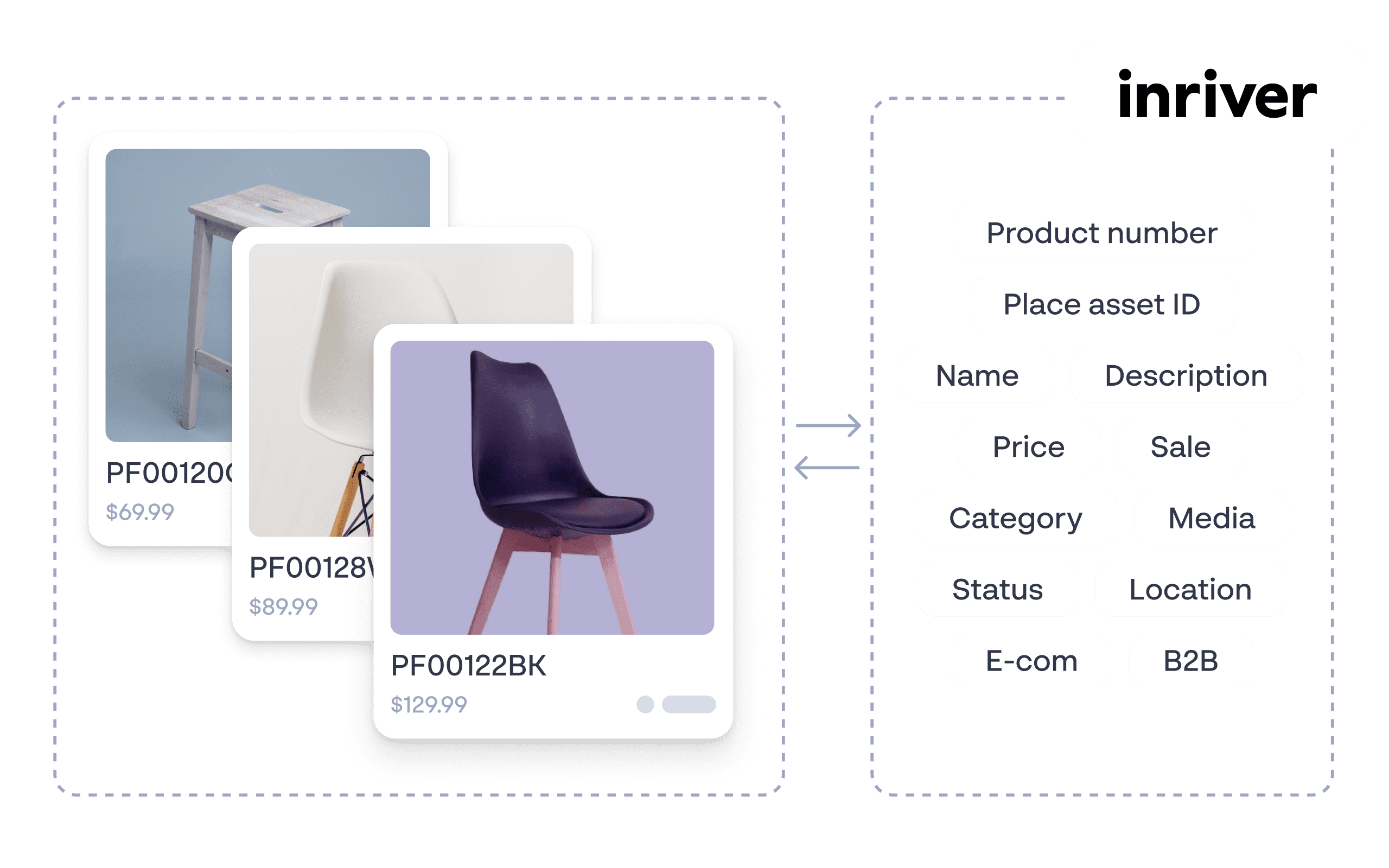
- Inriver product information integration to Place: InRiver and Papirfly Place integration is available. Product information from Inriver can be captured and stored for images in Place and product images from Place can be retrieved and used in InRiver.
In Place this allows users to search by specific product details and retrieve relevant images for quicker and more efficient search. In InRiver, it ensures relevant product images are shown automatically and accurately without manual configuration.
- Streamlined onboarding to Place: New customers wishing to take advantage of the Papirfly Place solution can now migrate all their DAM assets into Place during onboarding in one to two weeks. This cuts fees, reduces delivery timelines and achieves the same excellent results.
Comments
0 comments
Please sign in to leave a comment.