
On this page
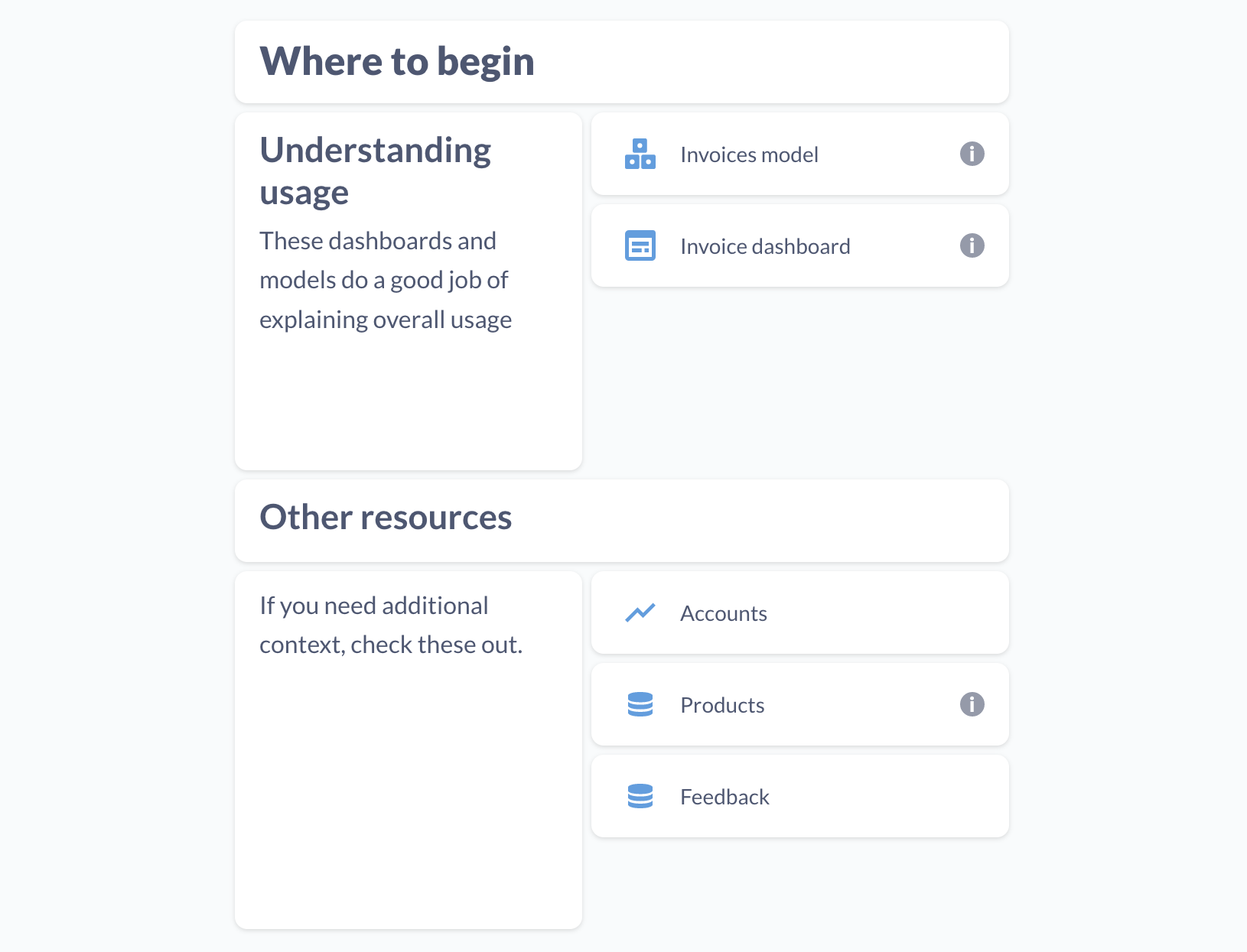
Link cards are specialised cards that let you search and link to other items in your Prove Enterprise. You can also use them for external links. Useful for pointing people to other resources relevant to your dashboard.
To add a link card to a dashboard, click the pencil icon to enter dashboard editing mode, then click on the link icon. Click on the input field in the link card to search your Prove Enterprise for an item to link to, or paste an external link.
Comments
0 comments
Please sign in to leave a comment.