
On this page
Introduction
Subtitles on videos in Place can be automatically translated using AI and also manually edited to include appropriate language nuances when necessary. Translations are always available when using the translated video to create new assets in Produce.
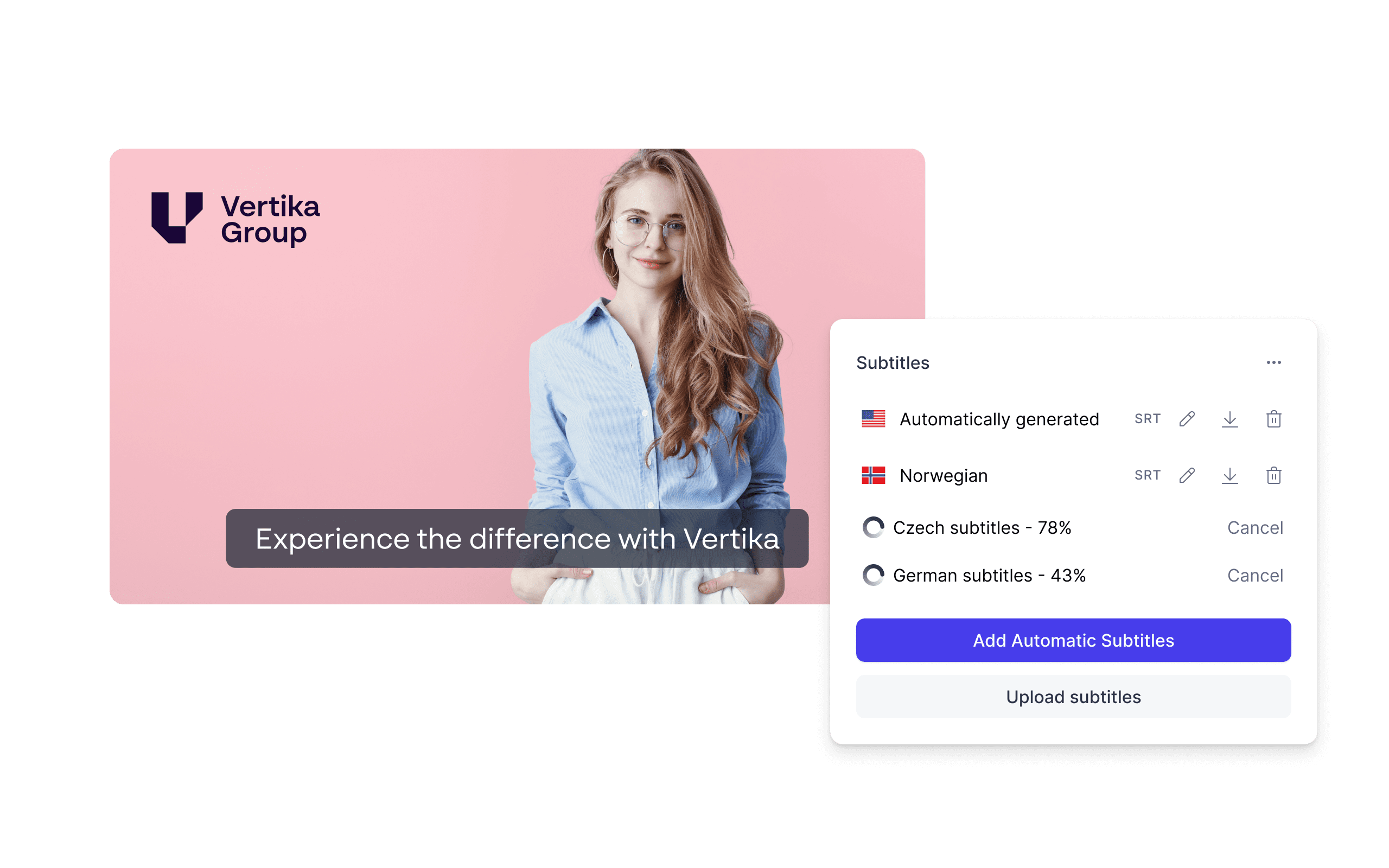
Adding AI generated subtitles to videos
Follow these steps to generate subtitles on a specific video using AI:
- Navigate to Place
- Find the video in the archive that you want to add subtitles to and click on it
- Click Edit in the right hand sidebar (at the top right corner), and a new window will open
- In this window, click the button that says CC
- Click Generate automatic subtitles
- Our AI tool will then start generating subtitles that can be shown while playing the video
- You have now added subtitles to a video
Editing Subtitles
Once subtitles are generated, they can be edited using the same video editor you know and love.
View and play the video directly while editing subtitles
Drag and drop subtitle blocks to adjust start and end times
Add or remove subtitle blocks as needed
Change start and end timestamp of blocks
Zoom in/out of the subtitle timeline for more precise or broader editing views
Comments
0 comments
Please sign in to leave a comment.