
On this page
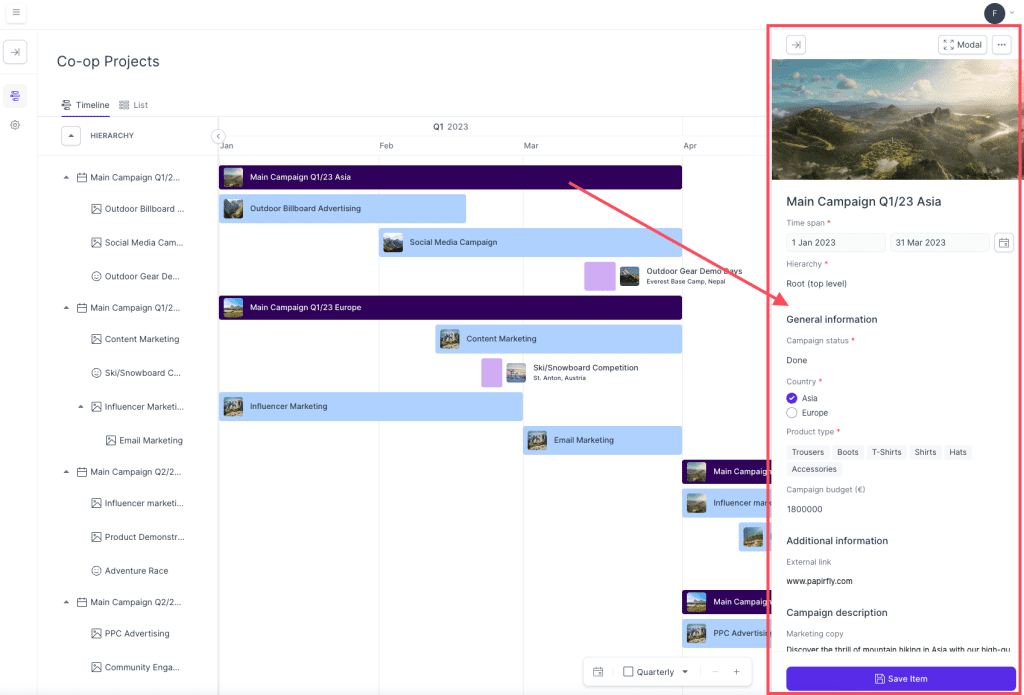
To edit an existing campaign, follow these steps:
- Locate the campaign in the overview that you would like to edit
- Click on the campaign and a new window will appear on the right hand side of the page
- In this window, you can edit some of the details of the campaign
- After you make any adjustments, click on Save item at the bottom
- You have now edited an existing campaign
Comments
0 comments
Please sign in to leave a comment.