
On this page
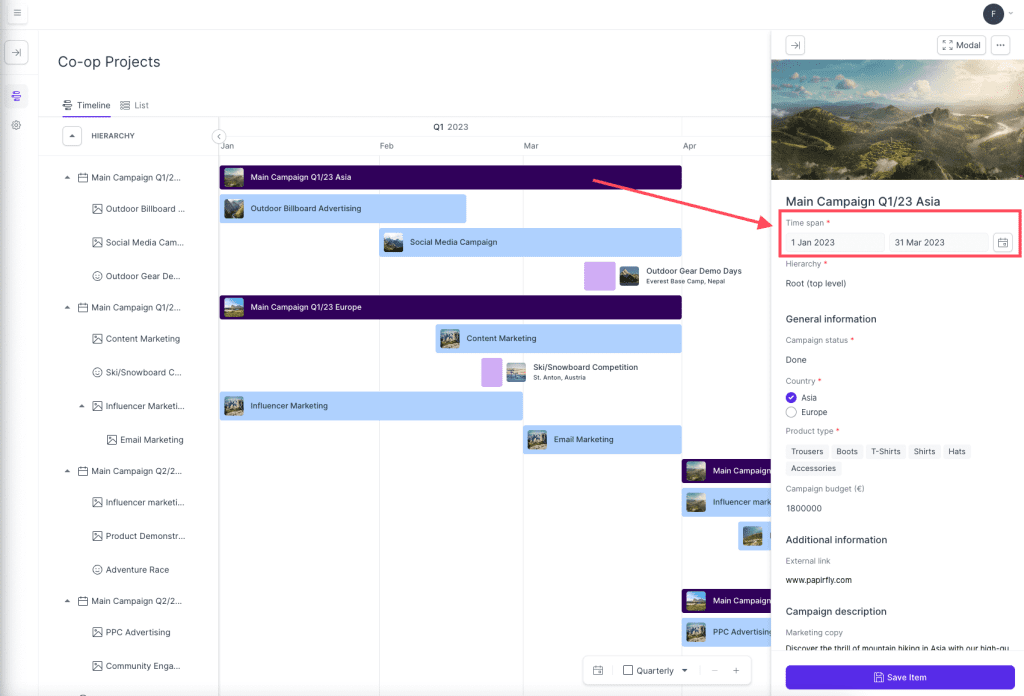
To change the duration of a campaign, follow these steps:
- Locate the campaign in the Co-op projects overview that you would like to edit the duration of the campaign
- Click on the campaign and a sidebar should open on the right-hand side of the overview
- In this sidebar, select the new duration for the campaign under time span
- Click save item when you are done adjusting the duration
- You have now changed the duration of the campaign
Comments
0 comments
Please sign in to leave a comment.